How to Use an Interview Copilot During a Live Interview
Learn how to use an interview copilot during a live interview without sounding scripted, distracted, or dependent on AI.

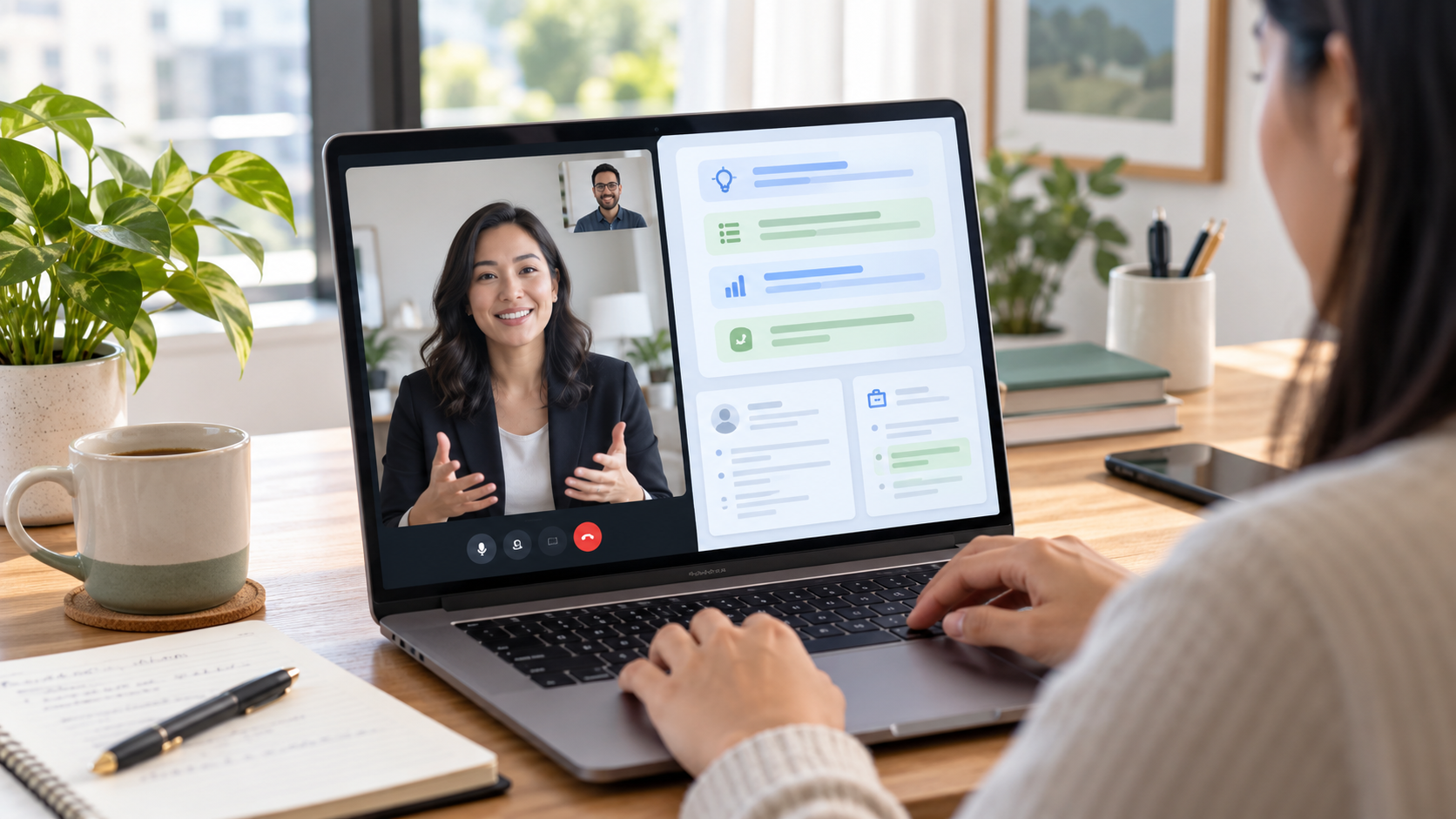
An interview copilot can help during a live interview, but only if you use it the right way.
The goal is not to read answers from a screen. The goal is to stay calm, listen closely, and organize your own experience fast enough to answer clearly.
That distinction matters. In a real interview, the interviewer is not only checking whether you can say the right words. They are also listening for judgment, ownership, examples, and how you think when the conversation moves.
This guide explains how to use an interview copilot during a live interview without sounding scripted or distracted.
What an interview copilot should do
An interview copilot should make the conversation easier to manage, not take over the conversation.
Used well, it can help you:
- identify the type of question being asked
- organize a behavioral answer
- remember a relevant work example
- keep answers concise
- recover when your mind goes blank
- prepare a follow-up question
That is different from having software write full answers for you while the interviewer waits.
The safest way to think about it is simple: your interview copilot gives you structure, but you still provide the substance.
If you want the product workflow behind that live support, start with Voqra’s AI interview copilot page.
If you are comparing product categories, Voqra’s guide to AI interview copilot vs interview assistant explains the difference in more detail.
Prepare before the live interview
The live interview should not be the first time your copilot sees your resume, the job description, or your examples.
Before the call, prepare:
- the job description
- your resume
- three to five work examples
- the role requirements you want to emphasize
- questions you want to ask the interviewer
The U.S. Department of Labor recommends preparing by reviewing the position, thinking through relevant experience, and treating the interview as a two-way conversation. That advice fits live copilot use well: the better your input is before the call, the less you need to scramble during the call.
Voqra’s interview preparation workflow is built around that same idea. Strong live support starts with clear preparation.
Prepare your live interview setup
Use Voqra to organize your role context, examples, and answer structure before the interview begins.
Listen first, then glance
The biggest mistake candidates make with any live interview tool is looking at the screen too quickly.
When the interviewer asks a question, listen to the full question first. Do not start scanning notes while they are still talking.
After they finish, take a short pause, confirm what they asked if needed, and then glance at your interview copilot for structure.
That pause is normal. It often sounds more thoughtful than rushing into an answer.
For unclear questions, use the same habit you would use without software: ask for clarification. A quick line such as “When you say stakeholder conflict, do you mean within the team or with another department?” can prevent you from answering the wrong question.
For more examples, see Voqra’s guide on how to ask for clarification in an interview.
Use short cues, not full scripts
An interview copilot is most useful when it gives you brief cues.
Good live cues look like this:
- situation
- action
- result
- metric
- lesson
Weak live cues look like this:
- long paragraphs
- word-for-word responses
- generic claims
- answers that do not match your experience
If the tool gives you a full paragraph, reduce it mentally to a few prompts. Then speak naturally.
This keeps the answer yours. It also helps you avoid the stiff tone that happens when someone is reading instead of talking.
Use it for behavioral structure
Behavioral interview questions are one of the best places to use an interview copilot.
When you hear a question such as “Tell me about a time you handled conflict,” your copilot can help you choose a story and keep the answer organized.
A simple live structure is:
- Name the situation.
- Explain your responsibility.
- Describe the action you took.
- Share the result.
- Close with what you learned.
Career centers often recommend preparing examples and practicing structured answers before the interview. UT Dallas, for example, advises candidates to prepare by reviewing the job description, practicing responses, and using structured examples.
The copilot should help you stay within that structure. It should not invent the story.
If you tend to over-explain, read Voqra’s guide on how to stop rambling during interview answers.
Keep your camera behavior natural
Live interview support is easiest to use during a remote interview, but it can also make you look distracted if your setup is messy.
Before the call:
- keep the copilot window close to your video window
- make text large enough to scan quickly
- remove unrelated tabs
- silence notifications
- keep a notebook nearby for your own notes
During the call, avoid long downward stares. A quick glance is fine. A long read looks like a long read.
If your interview is remote, Voqra’s guide on using an AI interview assistant during a remote interview covers the setup in more detail.
Know when not to use it
There are moments when your own judgment matters more than any prompt.
Do not rely on an interview copilot when:
- the employer clearly does not allow live AI tools
- the answer requires a personal judgment call
- the question is about confidential work
- the tool suggests something you did not do
- the suggested answer does not match your actual experience
AI support is useful only when it helps you communicate honestly. NIST’s AI Risk Management Framework describes trustworthy AI in terms such as validity, reliability, safety, accountability, and transparency. For candidates, the practical version is straightforward: use support that helps you think clearly, not support that misrepresents you.
Use it to recover from blanking
Blanking during an interview does not mean you are unqualified. It usually means pressure interrupted your thinking.
An interview copilot can help you recover by showing:
- the question type
- a possible structure
- a reminder of a relevant example
- a concise closing point
You can also buy yourself a few seconds with a natural transition:
“That is a good question. I want to choose the example that best fits.”
Then glance, pick the example, and answer.
The key is to recover calmly rather than panic-scroll through notes.
Do not let the tool flatten your personality
The strongest answers still sound like you.
A copilot can help you organize your thoughts, but it should not remove your tone, your judgment, or your way of explaining things.
If the suggested language sounds too polished, make it simpler.
If it sounds too generic, add a specific detail.
If it sounds unlike you, do not use it.
Interviewers often remember candidates who sound clear and grounded. They rarely remember generic answers that could have come from anyone.
Interview copilot vs interview assistant
An interview copilot usually means live support during the conversation.
An interview assistant is broader. It can include preparation, practice, live support, and review.
That means the best setup often uses both ideas:
- use an interview assistant before the call to prepare your examples
- use an interview copilot during the call to stay organized
- review your notes after the call to improve next time
If you want the broader workflow, start with Voqra’s interview assistant page.
A simple live workflow
Here is a practical way to use an interview copilot during a live interview:
- Prepare the job description and examples before the call.
- Keep only the essential screen visible.
- Listen to the full question.
- Pause for a moment.
- Glance for structure.
- Answer in your own words.
- Add one concrete example.
- Close with the result or lesson.
That workflow keeps the tool in the background and keeps you in the conversation.
Use live interview support without sounding scripted
Voqra helps you organize answers, stay calm, and speak from your real experience during high-pressure interviews.
Final takeaway
An interview copilot works best when it supports three things: listening, structure, and clarity.
It should not replace your preparation. It should not invent your experience. It should not turn the interview into a reading exercise.
Use it to stay organized, recover faster, and communicate what you already know.
That is the difference between sounding assisted and sounding prepared.
References
Frequently asked questions
What is an interview copilot?+
An interview copilot is live interview support that helps you organize answers, stay calm, and respond more clearly without replacing your own judgment.
Can I use an interview copilot during a live interview?+
Use it only in settings where it is allowed and appropriate. The tool should support your preparation and clarity, not misrepresent your skills.
How do I avoid sounding scripted with an interview copilot?+
Use short cues, speak in your own words, and answer with your real experience instead of reading full sentences.
What is the difference between an interview copilot and an interview assistant?+
An interview assistant is often broader preparation and support, while an interview copilot is focused on live, in-the-moment answer structure.
Voqra Team
Interview preparation team
The Voqra team builds AI interview tools for candidates who want practical support before and during real interviews.
Related articles

How Voqra Helps During a Live Interview
See how Voqra helps candidates prepare context, understand interview questions, and generate clearer answer support during live interview sessions.
Best AI Interview Assistant: How to Choose the Right Tool
Compare AI interview assistants by prep quality, live interview support, context, privacy, and review workflow, and see where Voqra fits.

Best AI Interview Copilot: What to Look For in Live Support
Compare AI interview copilots by live question detection, automatic screen read, answer structure, privacy controls, and real interview workflow.