How to Use an AI Interview Assistant During a Remote Interview
Learn how to use an AI interview assistant during a remote interview without sounding scripted, losing focus, or missing important interview cues.

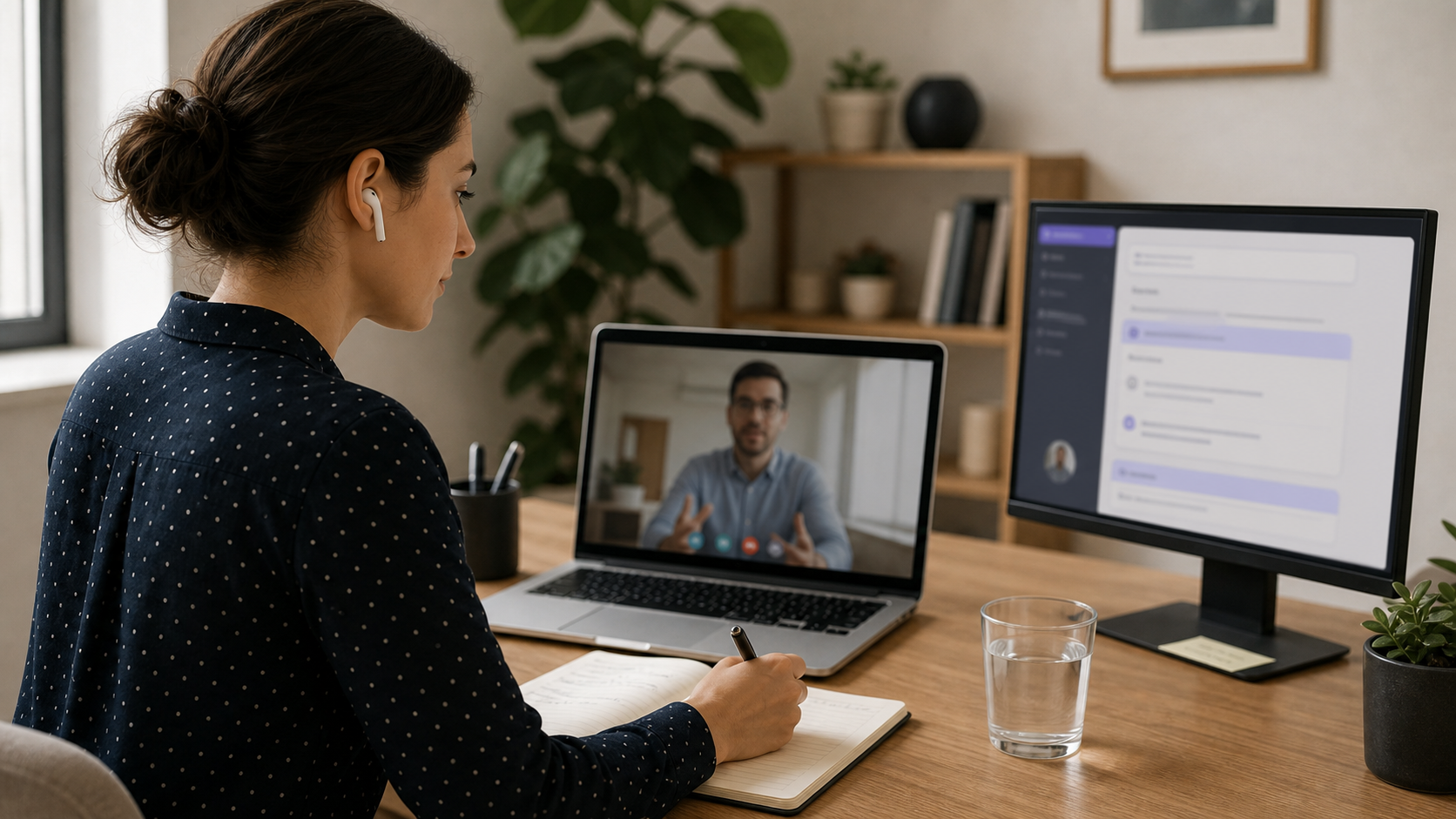
Remote interviews can feel harder than they look.
You are trying to answer clearly, watch the interviewer’s reaction, manage camera pressure, track the question, and avoid sounding like you are reading from notes.
An AI interview assistant can help, but only when it is used with the right boundaries.
The goal is not to let software speak for you. The goal is to prepare better, keep your thoughts organized, and reduce the blanking or rambling that can happen under pressure.
This guide explains how to use an AI interview assistant during a remote interview in a way that still sounds natural, focused, and human.
What an AI interview assistant can actually help with
An AI interview assistant is most useful when it helps you organize information before the conversation starts.
It can help you:
- summarize the job description
- turn your resume into stronger talking points
- prepare likely interview questions
- organize STAR stories
- create short notes for the live call
- rehearse answers out loud
- prepare questions to ask the interviewer
That kind of support matters because remote interviews already add extra cognitive load.
Research on videoconference fatigue has found that video meetings can create fatigue and strain in ways that differ from face-to-face interaction. For candidates, that can make it harder to stay relaxed, focused, and conversational during a high-pressure call.
Used well, an assistant gives you structure before the meeting so you do not have to hold everything in your head.
If you are new to the product category, start with Voqra’s interview assistant page for the broader workflow.
Set up your assistant before the interview
Do the real setup before the call begins.
Do not wait until the interviewer asks a question to start searching through notes.
A good setup includes:
- the job title and company
- the main job requirements
- three achievements you want to mention
- two or three flexible stories
- a short answer to “tell me about yourself”
- questions you want to ask
- any concerns you want to address clearly
Ask the assistant to turn this into short bullet points, not long paragraphs.
Long paragraphs create two problems:
- They are harder to scan during a live interview.
- They make you more likely to sound scripted.
Short notes help you remember the direction of your answer while still using your own words.
For a stronger general preparation process, use the interview preparation guide.
Keep live notes minimal
During a remote interview, your screen should not become a second interview.
If you are reading, searching, or switching tabs too much, your attention will show.
Keep only the essentials visible:
- one-line reminders
- key metrics or achievements
- interviewer questions you want to ask
- a short list of stories
- role-specific keywords you do not want to forget
Avoid:
- full answer scripts
- long generated paragraphs
- multiple open tabs
- notes that sit too close to your camera view
- anything that pulls your eyes away for too long
The University of Alabama Career Center recommends answering interview questions honestly, completely, and concisely. That is easier when your notes are simple enough to support the answer without taking over the conversation.
Use AI for structure, not replacement
The biggest mistake is treating an AI interview assistant like a script machine.
That usually creates answers that sound polished but generic.
Instead, use it for structure:
- “Give me three bullet points for this answer.”
- “Turn this project into a STAR story.”
- “What follow-up questions might the interviewer ask?”
- “What is a concise way to explain this achievement?”
- “What question should I ask about this role?”
Then practice the answer out loud in your own words.
If you need help making answers sound natural, read how to practice interview answers out loud without sounding scripted.
Stay present in the conversation
A remote interview is still a live conversation.
The interviewer is not only evaluating your words. They are also evaluating how you listen, clarify, respond, and adapt.
That means you still need to:
- answer the actual question
- pause when you need a second
- ask for clarification when needed
- react to what the interviewer just said
- avoid forcing a prepared answer into the wrong question
If the assistant gives you a useful point, treat it as a reminder, not a command.
Your answer should still sound like you.
Handle screen pressure and self-view
Remote interviews can feel intense because you may be looking at yourself while trying to perform.
Research on videoconference fatigue has connected video calls with fatigue, attention strain, and self-focused pressure. That matters in interviews because remote calls can make candidates monitor themselves more than they would in an in-person conversation.
Before the interview:
- hide self-view if the meeting app allows it
- position notes near the camera, not far to the side
- close distracting windows
- test your microphone and camera
- keep the meeting screen and notes simple
This reduces the temptation to monitor yourself constantly while answering.
If interview nerves are a major issue, pair this with how to answer interview questions when you feel nervous and how to calm down before an interview.
Use Voqra before, during, and after the remote interview
Voqra is designed for candidates who want structured preparation and calmer live delivery.
Before the interview, you can use it to organize your resume, role context, and likely questions.
During the interview, the goal is quick support: keeping the current question clear, helping you avoid rambling, and giving you a more useful answer structure when pressure spikes.
After the interview, you can review what happened and prepare for the next round.
For candidates who need real-time support, the AI interview copilot page explains the live workflow. For a broader overview, the interview assistant page explains how prep and live support fit together.
A simple remote interview workflow
Use this workflow before your next remote interview:
- Upload or paste the job description into your prep notes.
- Choose three achievements that match the role.
- Prepare one short intro answer.
- Turn your best examples into bullet-point stories.
- Practice likely questions out loud.
- Keep only a short checklist visible during the call.
- After the interview, write down what went well and what to improve.
This keeps the assistant useful without making the interview feel over-managed.
If the interview is late-stage, use final interview questions and answers to prepare for more senior-level questions.
Common mistakes to avoid
Reading from generated answers
Reading makes you sound less present.
Use generated answers as preparation material, not as a script to recite.
Keeping too much text on screen
If your screen is full of notes, you will spend the interview managing the notes instead of listening.
Keep reminders short.
Ignoring the employer’s rules
Some interviews have clear rules about external tools, notes, screen sharing, or assistance.
Follow those rules. If you are unsure, ask before the interview.
Practicing only silently
Silent review does not prepare your voice.
Say your answers out loud before the interview so the words feel natural when the call starts.
Final takeaway
The best way to use an AI interview assistant during a remote interview is to use it for clarity, not dependency.
Let it help you organize your role context, prepare stronger examples, and reduce the chance of blanking under pressure.
Then show up as a real candidate who can listen, think, and respond naturally.
Try a live-style interview question
Use the Voqra demo to hear a realistic prompt and see how a candidate-ready answer is generated.
References
Frequently asked questions
Can I use an AI interview assistant during a remote interview?+
You can use an AI interview assistant for preparation and, where allowed, live support. The safest approach is to follow the employer’s rules, stay present in the conversation, and use AI to support clarity rather than replace your own answers.
Will an AI interview assistant make my answers sound scripted?+
It can if you rely on full paragraphs. Short bullet points, role context, and spoken practice usually help answers sound more natural than memorized scripts.
What should I keep on screen during a remote interview?+
Keep only essential notes: key achievements, job requirements, a few questions for the interviewer, and short reminders. Too much text can make you look distracted.
How should I prepare with an AI interview assistant before the call?+
Use it to summarize the role, organize your experience, generate likely questions, and practice concise answers out loud before the interview begins.
Is an AI interview assistant better for preparation or live interviews?+
It is useful for both, but the setup is different. Preparation can be more detailed, while live support should be minimal, quick to scan, and aligned with the rules of the interview.
Voqra Team
Interview preparation team
The Voqra team builds AI interview tools for candidates who want practical support before and during real interviews.
Related articles
How Voqra Helps During a Live Interview
See how Voqra helps candidates prepare context, understand interview questions, and generate clearer answer support during live interview sessions.

How to Ask for Clarification in an Interview
Learn how to ask for clarification in an interview without sounding unprepared, stalling too long, or missing what the interviewer really wants.

How to Take Notes During an Interview Without Looking Distracted
Learn how to take notes during an interview without losing eye contact, missing cues, or looking distracted on a remote or in-person call.