Best AI Interview Copilot: What to Look For in Live Support
Compare AI interview copilots by live question detection, automatic screen read, answer structure, privacy controls, and real interview workflow.
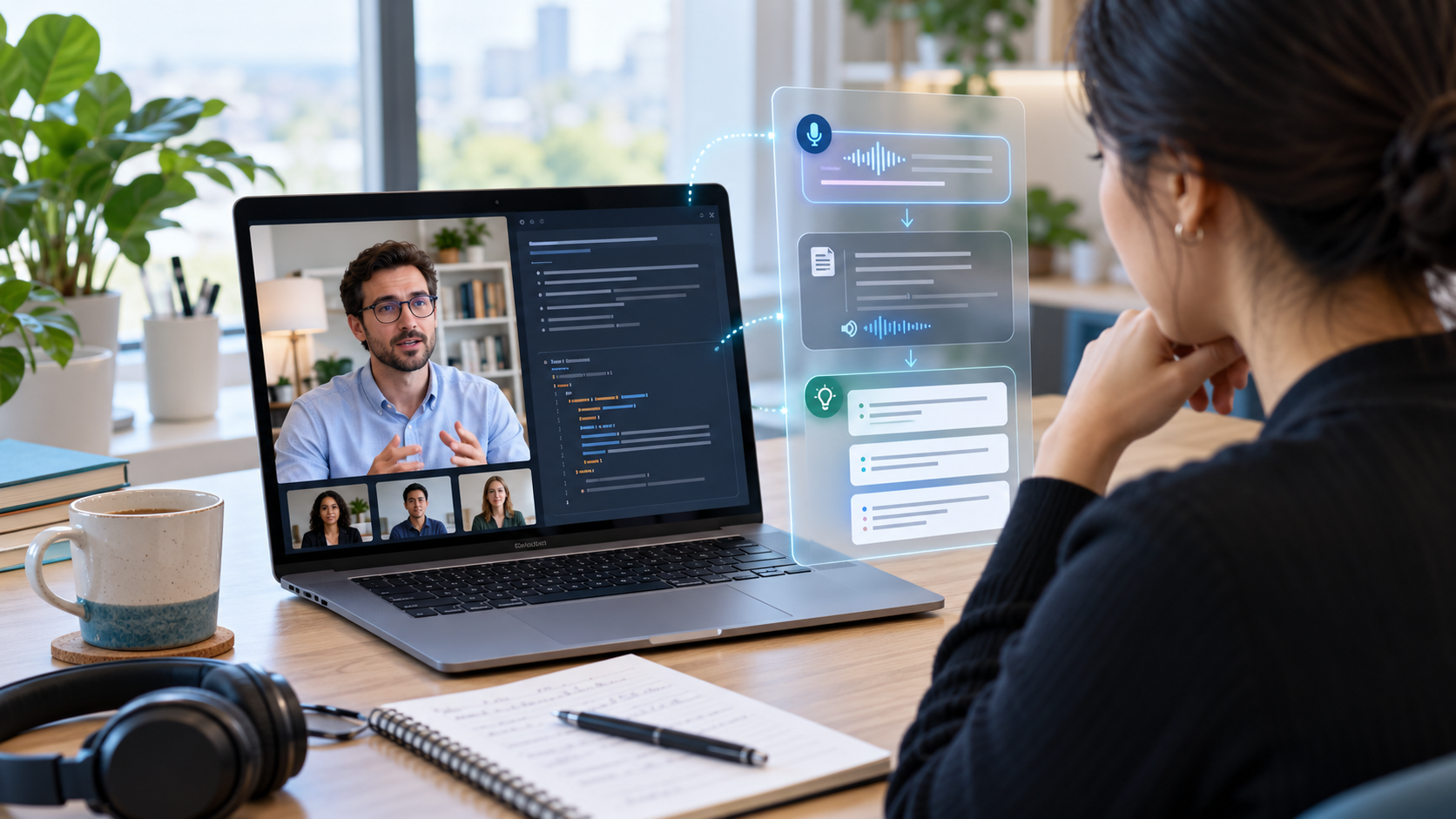
The best AI interview copilot is not just a chatbot beside your interview.
It should help in the exact moment where live interviews become difficult:
- the interviewer asks a follow-up you did not expect
- the prompt is split across several spoken fragments
- the real problem is on a shared screen
- you know the answer but cannot find the first sentence
- you start rambling because you are trying to recover while speaking
That is the difference between an AI interview copilot and a basic interview prep tool.
Voqra is built for that live moment. It can listen for interviewer questions, clean up fragmented prompts, automatically trigger screen read when the answer depends on a shared problem, and generate concise answer guidance using your resume, job description, recent transcript, prior answers, and session context.
If you are comparing tools for “best AI interview copilot,” use live-interview performance as the standard.
Quick answer: what makes the best AI interview copilot?
Choose an AI interview copilot that can handle the live interview, not just write practice answers.
| Live interview need | What to look for | Why Voqra fits |
|---|---|---|
| The interviewer asks a question aloud | System-audio question detection | Voqra can capture interviewer prompts from the desktop session |
| The transcript is messy or incomplete | Question classification and cleanup | Voqra turns fragments into a clearer candidate-facing prompt |
| The interviewer refers to a shared problem | Automatic screen read | Voqra can read the selected screen when the question depends on visible material |
| You already answered part of it | Candidate speech and prior answer context | Voqra can use recent transcript and prior answers when shaping follow-ups |
| You need control during the call | Auto and manual modes | Voqra supports automatic generation and typed fallback |
| You need a compact live setup | Desktop overlay controls | Voqra is built as a compact, movable, resizable desktop overlay |
That combination is what makes Voqra a serious AI interview copilot instead of just another answer generator.
What an AI interview copilot should do during a live interview
An AI interview copilot has one main job: help you respond better while the interview is happening.
That means it should help you:
- understand the question quickly
- recover when pressure spikes
- avoid over-answering
- use the right example
- handle follow-ups
- keep your answer connected to the role
- respond to shared-screen prompts
It should not make you sound fake, over-polished, or disconnected from your real experience.
The best copilot gives you enough structure to answer clearly, then gets out of the way.
Voqra’s live-interview advantage
Voqra is strongest when the interview is active, remote, and unpredictable.
1. It listens for interviewer questions
Voqra’s desktop app can capture interviewer audio during the session, persist interviewer transcript events, and pass completed transcript lines into question intelligence.
That matters because real interview questions are not always neat.
An interviewer might say:
Okay, now looking at the problem on the screen, how would you approach this?or:
Building on your last answer, what would you change if the deadline moved up?A good copilot should not require you to stop and type every prompt. Voqra is built to detect and process those live question moments.
2. It cleans up fragmented prompts
Live transcripts are messy. People pause, restart, and ask questions in pieces.
Voqra uses question classification to decide whether the interviewer actually needs a response, whether a fragment is a continuation, and what the candidate-facing question should be.
That helps avoid two common problems:
- generating answers for filler like “okay” or “mm-hmm”
- missing real prompts that do not end with a question mark, like “walk me through your approach”
This is one of the key differences between a live copilot and a simple transcription tool.
3. It can automatically trigger screen read for shared problems
This is the feature many live interview tools miss.
In technical, product, data, and case interviews, the interviewer often puts the real task on screen. They may only say:
Can you solve this?or:
What would you do with the data here?The spoken words are not enough. The important information is visible.
Voqra is built to recognize when a question appears to depend on shared material and can automatically trigger screen read. It captures the selected display, extracts readable context, and includes that context when generating the answer.
That can help with:
- coding questions
- algorithm prompts
- shared documents
- diagrams
- slides
- dashboards
- spreadsheets
- tickets or product specs
For live interviews where the screen matters, this is a major reason to choose Voqra over a text-only copilot.
4. It uses your side of the conversation
Follow-up questions often depend on what you just said.
Voqra can keep candidate microphone transcript context in the session, so the next answer can account for your own clarifications, corrections, and previous explanation.
That helps with follow-ups like:
- “Can you expand on that?”
- “Why did you choose that approach?”
- “How would you implement it?”
- “What if the user base doubled?”
- “What would you do differently?”
A weaker tool treats each prompt as isolated. A stronger copilot uses the interview thread.
5. It keeps role context close to the answer
Before the session, Voqra collects the company, role, resume, job description, interview language, and prep notes. That context is then available when answers are generated.
This makes the copilot more useful than generic AI text because the guidance can connect to:
- the role you are interviewing for
- your actual background
- the job description
- your prep notes
- the recent transcript
- prior answers in the same session
- visible shared-screen context when needed
That is why live support works best when it starts from good interview preparation, not from a blank chat box.
6. It gives you control during the call
Voqra supports both automatic answer generation and manual control.
Automatic mode is useful when you want the copilot to respond quickly as questions are detected. Manual mode is useful when you want more control, or when you prefer to type a specific question.
The overlay is also built for live use: compact, resizable, movable, and positioned like a desktop interview tool instead of a full browser workspace.
Voqra vs other AI interview copilots
There are several tools in this category. The names overlap, so compare the live workflow carefully.
Final Round AI
Final Round AI is one of the most visible products using the interview copilot framing. It is worth reviewing if you are comparing real-time interview support tools.
Voqra is strongest when you want live context to include more than the spoken prompt: resume and job details, recent transcript, your own speech, prior answers, and automatic screen read when the interviewer asks about shared material.
Interview Copilot
Interview Copilot focuses directly on live interview assistance. That makes it relevant if your main search is for a copilot during the interview rather than broader preparation.
Voqra should be compared closely if your interviews include shared problems, technical prompts, documents, diagrams, or follow-up questions that depend on the conversation thread.
Verve AI
Verve AI also positions around AI interview copilot support.
Voqra is a strong fit if you want a desktop workflow with automatic screen read for shared problems, candidate speech context, manual fallback, and prep context carried into the live session.
General AI tools
General AI chat tools can help you prepare answers before the interview.
They are not enough if you need:
- system-audio question detection
- automatic screen read when the interviewer refers to a shared problem
- compact overlay controls
- session transcript context
- prior answer memory
- live follow-up recovery
Use general AI for drafting. Use a dedicated copilot for live-interview performance.
Best AI interview copilot features to compare
Before choosing a tool, compare these features.
| Feature | Why it matters |
|---|---|
| System-audio question detection | Helps during live interviews without typing every question |
| Question classification | Filters filler and rewrites messy prompts into answerable questions |
| Automatic screen read | Helps when the full problem is on a shared screen |
| Resume and job context | Keeps answers connected to your real background and target role |
| Candidate speech context | Helps follow-up answers account for what you already said |
| Prior answer and session memory | Keeps later answers connected to the conversation |
| Manual typed fallback | Gives you control when automatic capture is not the right fit |
| Compact desktop overlay | Keeps live support usable during Zoom, Google Meet, Teams, or browser interviews |
| Concise answer format | Helps you speak naturally instead of reading a script |
| Responsible-use design | Keeps support focused on structure and truth, not fake experience |
Voqra is built around these live-use features. That is why it should be considered by candidates who need real-time support, not just practice questions.
When Voqra is the right AI interview copilot
Choose Voqra if your interview problem sounds like this:
- “I freeze when the interviewer asks an unexpected follow-up.”
- “The interviewer shares coding problems or documents on screen.”
- “I need help understanding what the question is asking in the moment.”
- “I want answers to use my resume and the actual job description.”
- “I want the tool to consider what I already said.”
- “I need a compact overlay, not another full browser tab.”
- “I want automatic help, but I also need manual control.”
If that is your situation, start with the AI interview copilot page.
Use Voqra as your AI interview copilot
Get live interview support with question detection, automatic screen read for shared problems, and role-aware answer structure.
When an interview assistant is a better starting point
If your main need is broader preparation, start with an interview assistant instead.
That is the better framing when you want:
- help preparing answers before the interview
- a place to organize notes
- practice and review
- support across the full process
The copilot framing is more specific. It is for the live moment where the conversation is happening and you need help staying structured.
Voqra covers both, but the starting page should match your problem.
How to use an AI interview copilot responsibly
Use a copilot to organize and express your real experience, not to invent experience.
Good use:
- using short cues instead of reading full scripts
- grounding answers in your resume and actual work
- using automatic screen read to understand shared material
- using candidate speech context to handle follow-ups
- reviewing weak answers after the interview
Poor use:
- making up projects or accomplishments
- reading long generated answers word for word
- ignoring interview rules
- letting the copilot replace listening
- using answers that do not match your background
The best copilot does not make you sound like AI. It helps you sound clear, calm, and truthful under pressure.
Final recommendation
If you want the best AI interview copilot, choose for the live interview itself.
Voqra is strongest when the interview is active and context-heavy: the interviewer is speaking, the prompt may be fragmented, the problem may be on screen, and your prior answers matter.
That is where Voqra’s live question detection, automatic screen read, candidate speech context, and compact overlay create a stronger workflow than a generic AI tool.
Try Voqra for live interview support
Use a copilot built for real interview moments, from spoken questions to shared-screen problems and follow-up answers.
References
Frequently asked questions
What is the best AI interview copilot?+
The best AI interview copilot is the one that helps during the live interview moment, not only before it. Look for real-time question detection, concise answer cues, resume and job context, automatic screen read when the interviewer refers to a shared problem, and controls that let you stay focused on the conversation.
How is an AI interview copilot different from an AI interview assistant?+
An AI interview assistant is broader and may include preparation, practice, notes, and review. An AI interview copilot is more specific to live interview support while the conversation is happening.
Can an AI interview copilot read a shared problem on screen?+
Voqra can automatically trigger screen read when the interviewer asks a question that appears to depend on a shared problem, code prompt, document, diagram, slide, or data view.
Should an AI interview copilot write full answers for me to read?+
No. The best use is short structure, recovery cues, and context-aware answer framing so you can answer truthfully in your own voice.
Voqra Team
Interview preparation team
The Voqra team builds AI interview tools for candidates who want practical support before and during real interviews.
Related articles

Best AI Interview Assistant: How to Choose the Right Tool
Compare AI interview assistants by prep quality, live interview support, context, privacy, and review workflow, and see where Voqra fits.

How to Use an Interview Copilot During a Live Interview
Learn how to use an interview copilot during a live interview without sounding scripted, distracted, or dependent on AI.

How to Use an AI Interview Assistant During a Remote Interview
Learn how to use an AI interview assistant during a remote interview without sounding scripted, losing focus, or missing important interview cues.