AI Interview Copilot for Coding Interviews: How to Use It Live
Learn how an AI interview copilot can help in coding interviews when the prompt is spoken, shared on screen, or followed by fast technical questions.
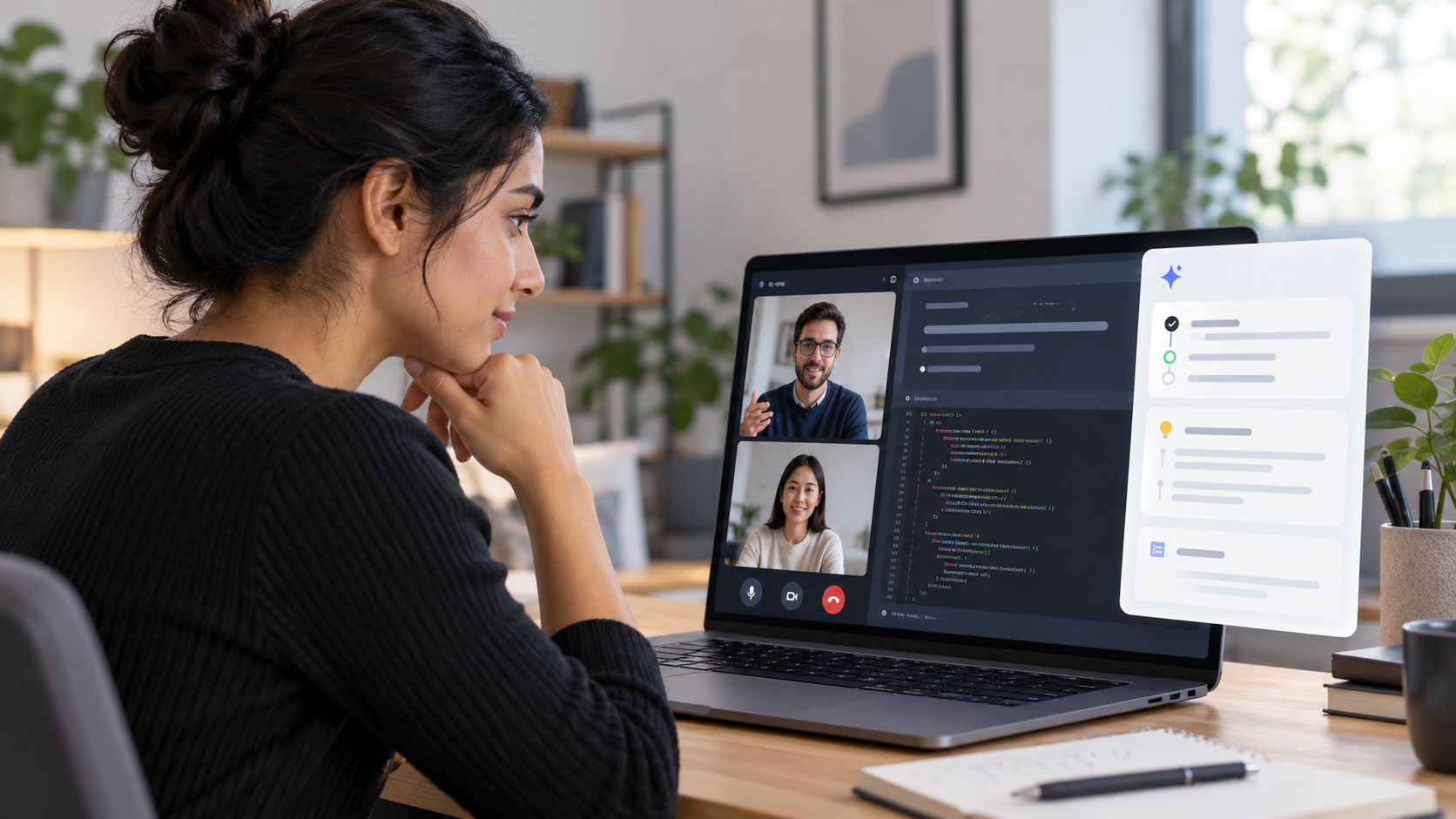
Coding interviews are harder than normal question-and-answer interviews because the prompt is often split across three places:
- what the interviewer says out loud
- what appears on the shared screen
- what you already explained a few minutes earlier
That is why a generic chatbot is rarely enough. In a live technical interview, you need support that can follow the conversation, understand when the question depends on visible material, and give you a clear structure without taking over your answer.
An AI interview copilot for coding interviews should help you think out loud better. It should not replace your reasoning.
Voqra is built around that live interview moment. It can capture interviewer questions from the desktop session, keep recent transcript context, use your resume and job details, and automatically trigger screen read when the interviewer asks a question that appears to depend on a shared problem, code prompt, document, diagram, slide, or data view.
If you want the product workflow behind that support, start with Voqra’s AI interview copilot page.
Why coding interviews need a different kind of copilot
In many interviews, the full question is spoken clearly:
Tell me about a time you solved a difficult problem.In a coding interview, the interviewer may say:
Can you solve this?or:
What would you change here?The important context may be on the shared screen, inside a code editor, in a problem statement, or in a small example input. If your interview tool only uses the spoken sentence, it may miss the actual task.
A strong coding interview copilot needs to handle that mixed context.
What a coding interview copilot should help with
The best use of a copilot in technical interviews is not getting a complete answer to repeat. It is getting enough structure to keep your own explanation moving.
It should help you:
- restate the problem clearly
- identify edge cases
- choose a reasonable first approach
- explain tradeoffs
- recover when the interviewer asks a follow-up
- keep your answer connected to the role
- avoid rambling while you think
That support is especially useful when the interviewer moves quickly or asks a question that depends on the shared screen.
Where Voqra fits in a coding interview
Voqra is designed for live interviews where the conversation keeps changing.
1. It listens for interviewer questions
Coding interview prompts are often conversational. The interviewer may start with context, pause, add a constraint, and then ask the actual question.
Voqra can use system audio from the desktop session to capture interviewer transcript events and pass question-like moments into the live assistant workflow. That lets the copilot respond to the interview instead of waiting for you to manually copy every prompt.
This matters when the question sounds like:
Okay, now assume the input can be much larger. What changes?or:
Walk me through why this approach is better than sorting first.A useful copilot should recognize those as answer moments, not background conversation.
2. It can use your previous answer as context
Technical follow-ups depend on what you already said.
If you just explained a hash-map solution and the interviewer asks about memory, the right answer should not start from scratch. It should connect to your previous approach.
Voqra can use recent transcript context, prior answers, candidate speech context, and session details when shaping guidance. That helps the next response stay connected to the live conversation.
For example, if you already said your solution is O(n), a follow-up about tradeoffs should help you explain memory cost, input assumptions, or why another approach might be simpler.
3. It can automatically trigger screen read for shared prompts
This is the key coding interview difference.
Many technical interviews include visible material:
- a LeetCode-style problem statement
- a code snippet
- a database schema
- an architecture diagram
- a bug report
- a small table of input/output examples
- a partially written function
If the interviewer says, “What is wrong here?” the spoken question is not enough. The answer depends on the shared material.
Voqra is built to automatically trigger screen read when the interviewer asks a question related to a problem or visible artifact. During setup, you can choose the display used for screen read. During the live overlay, Voqra can capture that selected screen when the prompt appears to depend on shared material, extract readable context, and include it when generating answer guidance.
That is what makes it more practical than a plain text assistant for live coding interviews.
4. It keeps the answer short enough to use live
In a coding interview, long AI output can hurt you. You do not have time to read a full essay while the interviewer waits.
The better pattern is short, structured guidance:
- clarify the goal
- name the approach
- mention complexity
- call out edge cases
- explain the next step
That is the kind of support you can glance at, adapt, and speak in your own words.
A good live workflow for coding interviews
Use the copilot before the call, during the call, and after the call. Each stage has a different job.
Before the interview
Do not wait until the interviewer opens the coding exercise to organize your context.
Before the session:
- add the role and company context
- review the job description
- prepare two or three technical projects you can explain deeply
- choose the display Voqra should use for screen read
- practice speaking through a solution out loud
This matches the broader principle behind strong interview preparation: the better your setup is before the call, the less you need to scramble during the call.
During the interview
When the interviewer presents a coding task, stay conversational.
Use this sequence:
- Listen to the full prompt.
- Ask one clarifying question if the goal or input is unclear.
- Restate the problem in your own words.
- Glance at the copilot for structure.
- Explain a first approach before coding.
- Call out edge cases while you work.
- Use follow-up guidance to discuss tradeoffs.
The copilot should help you stay organized, but the interviewer should still hear your reasoning.
After the interview
After the call, review the questions that caused friction:
- Did you miss an edge case?
- Did you over-explain the simple part?
- Did you under-explain the tradeoff?
- Did you freeze when the interviewer changed a constraint?
- Did you ask enough clarifying questions?
That review turns one live interview into better preparation for the next one.
Examples of prompts where a copilot helps
Here are common coding interview moments where a live copilot can be useful.
”Can you solve this?”
This usually means the problem statement is on screen. The best response is not to jump straight into code.
A stronger answer starts with:
Let me restate the goal first. We need to...Then explain the inputs, outputs, constraints, and first approach.
”What is the time complexity?”
The answer should connect to the algorithm you just described.
For example:
The main pass is linear because each item is visited once. The extra memory comes from the lookup structure, so the space cost is also linear in the worst case.If there is a better tradeoff, say it. Technical interviewers often care more about your reasoning than a memorized answer.
”What if the input is much larger?”
This is a scaling question.
A good answer might cover:
- whether the current approach still fits in memory
- whether sorting, indexing, caching, batching, or streaming changes the design
- what assumptions would need to be measured
- which constraint now matters most
”What is wrong with this code?”
This question depends heavily on visible context. The issue may be an off-by-one error, missing null check, wrong loop condition, mutation bug, concurrency problem, or incorrect assumption about the input.
This is where automatic screen read is especially useful. The spoken prompt is short, but the visible code contains the actual problem.
”How would you test this?”
Do not only list happy paths.
A stronger answer includes:
- normal case
- empty input
- single item
- duplicate values
- boundary values
- invalid input if relevant
- performance case if the data size matters
This shows that you can reason beyond the first working solution.
How to use a copilot without sounding scripted
The safest habit is to treat the copilot as a structure tool.
Do:
- glance for the next point
- speak in your own words
- ask clarifying questions naturally
- explain tradeoffs out loud
- admit uncertainty when needed
- use examples from your actual experience
Avoid:
- reading full answers word for word
- claiming experience you do not have
- hiding the fact that you are thinking
- ignoring the interviewer’s follow-up
- forcing an answer that does not match the prompt
This is true for coding interviews, system design interviews, data interviews, and product case interviews.
If you want the broader category comparison, read Voqra’s guide to the best AI interview copilot. This article is narrower: it focuses on the live coding interview moment where screen context and spoken context need to work together.
Use Voqra in your next coding interview
Get live question support, automatic screen read for shared problems, and concise answer structure when technical interviews move quickly.
Bottom line
An AI interview copilot for coding interviews is most valuable when it helps you handle the live context: the spoken question, the shared prompt, your previous answer, and the next follow-up.
Voqra is positioned for that workflow because it combines live question detection, role context, candidate speech context, manual fallback, and automatic screen read when the interviewer asks about visible material.
Use it to stay structured. Use it to recover. Use it to explain your thinking more clearly.
Do not use it to replace your thinking.
References
Frequently asked questions
Can an AI interview copilot help in coding interviews?+
Yes, if it supports the live interview moment. A useful copilot should help you understand the spoken question, use context from the shared prompt when appropriate, organize your reasoning, and recover when follow-up questions arrive.
What makes Voqra useful for coding interviews?+
Voqra is built for live interview support with system-audio question detection, candidate speech context, role context, and automatic screen read when the interviewer asks about a shared problem, code prompt, document, diagram, slide, or data view.
Should I read AI-generated coding interview answers word for word?+
No. Use the copilot for structure, reminders, and recovery cues. You still need to explain your own reasoning, ask clarifying questions, and write or discuss the solution honestly.
How should I prepare before using a copilot in a coding interview?+
Load the role context, review the job description, prepare your strongest project examples, choose the right screen-read display, and practice speaking through tradeoffs before the live interview.
Voqra Team
Interview preparation team
The Voqra team builds AI interview tools for candidates who want practical support before and during real interviews.
Related articles
Best AI Interview Assistant: How to Choose the Right Tool
Compare AI interview assistants by prep quality, live interview support, context, privacy, and review workflow, and see where Voqra fits.

How Voqra Helps During a Live Interview
See how Voqra helps candidates prepare context, understand interview questions, and generate clearer answer support during live interview sessions.
Best AI Interview Copilot: What to Look For in Live Support
Compare AI interview copilots by live question detection, automatic screen read, answer structure, privacy controls, and real interview workflow.